Symfony UX Upload

File uploads,
as you'd expect.

Change FileType to UploadType. Files upload in the background, show their progress, and stay attached when validation fails.

composer require symfony/ux-upload

What UX Upload handles

  • A modern input

    Drag and drop, paste, previews and a progress bar, for one file or many.

  • Pause and resume

    Large files travel in chunks. An interrupted transfer picks up where it stopped.

  • In place of FileType

    Change the field type. Form, controller and constraints stay as they are.

  • Validated front and back

    Refused in the browser before sending, then checked again on the server.

  • Your storage

    Temporary files on the local disk, or through Flysystem on S3, Azure or GCS.

One line in the form type.

Change the type.
Keep the rest.

UploadType returns an UploadedFile that extends the HttpFoundation class. handleRequest(), isValid(), typed properties and move() work as they do with FileType.

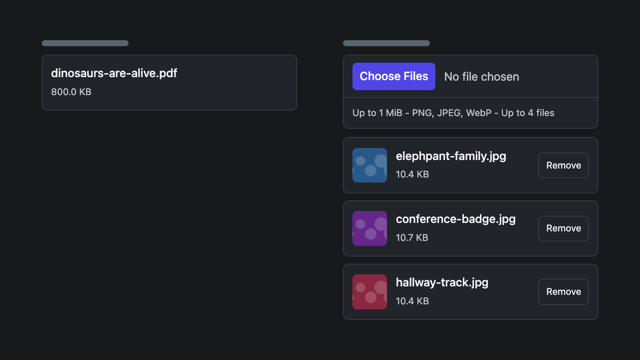
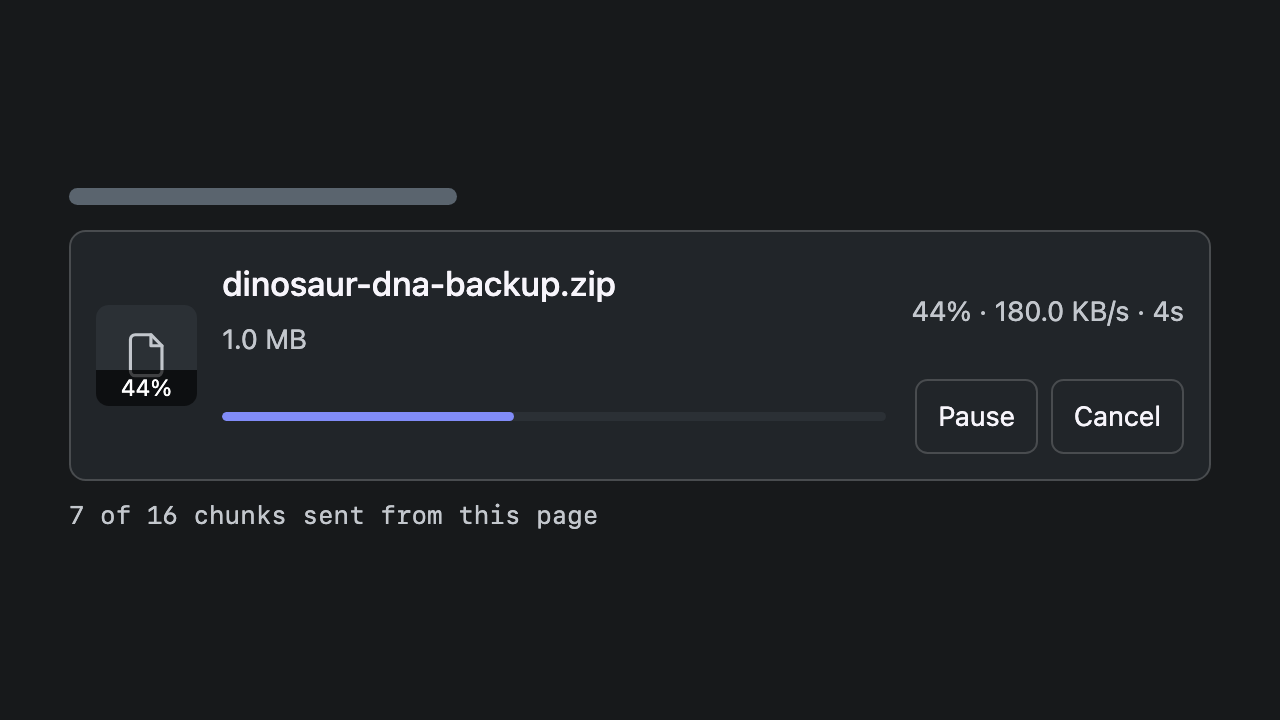
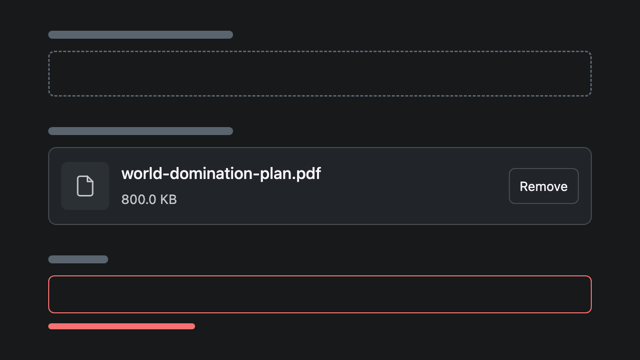
The field UploadType renders: a drop zone, then one row per file with its name, its size, its progress and a button to cancel it.
src/Form/DocumentType.php
$builder
    ->add('title', TextType::class)
    ->add('document', FileType::class, [
    ->add('document', UploadType::class, [
        'constraints' => [new File(maxSize: '5M')],
    ])
;
src/Controller/DocumentController.php
$form->handleRequest($request);

if ($form->isSubmitted() && $form->isValid()) {
    /** @var UploadedFile $document */
    $document = $form->get('document')->getData();

    $document->move($directory, $document->getClientOriginalName());
}
/documents/new

Choose a PDF, then save with an empty title. The title needs correcting. The document is still there.

Drop files here or click to browse Up to 1 MiB - PDF

PDF only, up to 1 MB. This public server destroys the file as soon as it arrives: the form keeps its reference.
The file travels first.

A reference in the form.
The file on the server.

Uploading and submitting are two steps. A validation error renders the signed reference again, so the browser does not send the file a second time.

  1. Select a file

    The field sends it at once, in one request or in chunks, and shows its progress.

  2. Get a reference

    The server checks the file, keeps it in temporary storage and answers with a signed reference.

  3. Submit the form

    The form carries the reference, not the file. A validation error renders the same reference again.

  4. Store the file

    Once the form is valid, the controller receives an UploadedFile. Move it, or read its stream into your own storage.

What changes
from FileType.

UploadType keeps what FileType does: multiple files, Symfony constraints, a form that works without JavaScript. The other lines are what the swap adds.

FileType and UploadType, feature by feature
FileType UploadType
Form
Files kept after a validation error No Yes
Symfony constraints Yes Yes
Multiple files Yes multiple Yes multiple, max_files
Works without JavaScript Yes Yes
Transfer
Background upload, with progress No Yes
Cancel, retry, pause and resume No Yes
Files larger than the PHP limits No upload_max_filesize, post_max_size Yes in chunks: chunk_size
Validation
In the browser, before sending No Yes max_size, allowed_types
On the server Yes on submit Yes on arrival, then on submit
Field
Image previews No Yes show_preview
Drop zone and paste No Yes layout

Options, not templates.

From a file input
to a photo grid.

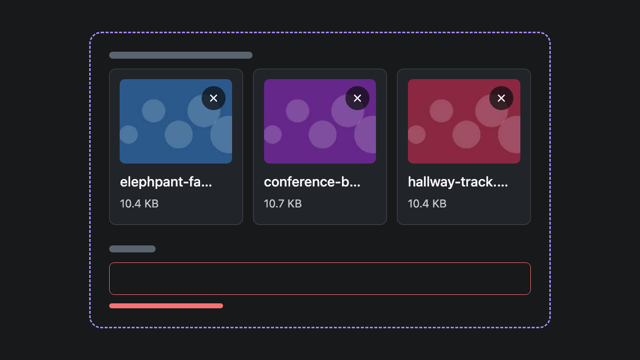
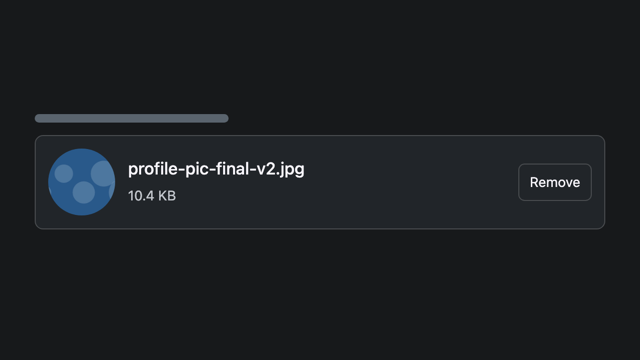
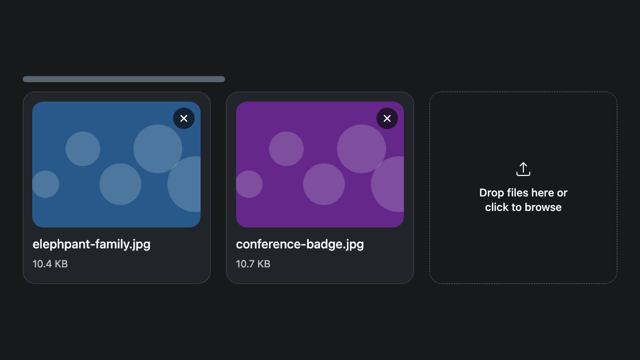
The same field renders a native input, a list of files or a grid of image cards. Each look is one or two options.

Multiple files

The field returns a list of UploadedFile. Files transfer on their own: one that fails does not stop the others.

$builder->add('documents', UploadType::class, [
    'multiple' => true,
    'max_files' => 8,
]);

Drag, drop and paste

The dropzone layout is a target for dropped and pasted files. Clicking it still opens the file picker.

$builder->add('document', UploadType::class, [
    'layout' => 'dropzone',
]);

Previews and progress

Images get a thumbnail. Every file shows its progress, with buttons to cancel, retry or remove it. Chunked transfers add pause and resume.

$builder->add('photos', UploadType::class, [
    'multiple' => true,
    'layout' => 'dropzone',
    'show_preview' => true,
]);
/albums/new
Drop files here or click to browse Up to 1 MiB - PNG, JPEG, WebP - Up to 8 files
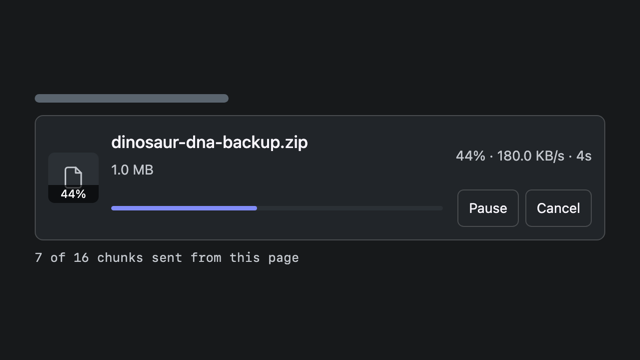
A large file halfway through its upload, with Pause and Cancel buttons

Pause. Reload.
Resume.

Files above chunk_size travel in chunks, a few at a time. A failed chunk is retried up to three times. Pause the transfer, lose the connection, or reload the page and select the same file: it continues from the chunks the server already holds.

config/packages/ux_upload.yaml
ux_upload:
    uploaders:
        large:
            max_size: 64M
            chunk_size: 1M
            parallel_chunks: 2
Try it on a slowed-down transfer

The browser is not trusted.

Checked early.
Enforced on the server.

The field refuses a file that is too large or of the wrong type before sending it. The server applies the same limits again, on the bytes it received.

A policy per uploader

A named uploader sets the maximum size and the accepted types. A field can narrow them, never widen them.

ux_upload:
    uploaders:
        documents:
            max_size: 5M
            allowed_types: ['application/pdf']

Detected, not declared

The type is read from the bytes the server received, not from what the browser announced. A listener can inspect the file before it is accepted.

#[AsEventListener(priority: 200)]
public function inspect(
    UploadAssembledEvent $event,
): void {
    $stream = $event->getUpload()
        ->openStream();
    // Throw ValidationException
    // to refuse the file.
}

Symfony constraints

The submitted value is an HttpFoundation UploadedFile. The File constraint validates it on submit, with the other fields.

->add('document', UploadType::class, [
    'uploader' => 'documents',
    'constraints' => [
        new File(maxSize: '5M'),
    ],
])

Beyond
the form field.

An uploaded file waits in temporary storage until your code moves it. Choose where it waits, schedule the cleanup, and use an upload without a form.

Your storage

Temporary files stay on the local disk by default. One option sends them through Flysystem, to S3, Azure, GCS or any other adapter.

ux_upload:
    storage: flysystem
    flysystem_service: uploads.storage

A scheduled cleanup

One command removes interrupted transfers and expired files. Run it on a schedule, with cron or any scheduler.

php bin/console ux:upload:cleanup

Live components

A completed upload can land on a LiveComponent prop, without a form submission. The attribute lists the props that accept one.

#[LiveProp]
#[UploadTarget(uploader: 'avatars')]
public ?string $photo = null;

Small examples.
Real uploads.

A plain form, a Turbo Frame, a LiveComponent, a transfer in chunks: each page runs the field and shows the code behind it.

Browse the Upload demos

Install Upload.

$ composer require symfony/ux-upload

More from Symfony UX.

Upload is one package among many. They share the same Stimulus foundation and install the same way.

Image for the Stylized Dropzone UX package

Stylized Dropzone

Form type for stylized "drop zone" for file uploads

Image for the Image UX package

Image New

Responsive img tags, transformed by your CDN

Image for the Image Cropper UX package

Image Cropper

Form Type and tools for cropping images

Browse every package

Keep Upload at hand.

Documentation, the people behind it, and where to ask when something does not behave.